Phlegethon Studio

One Studio. Every way to create.

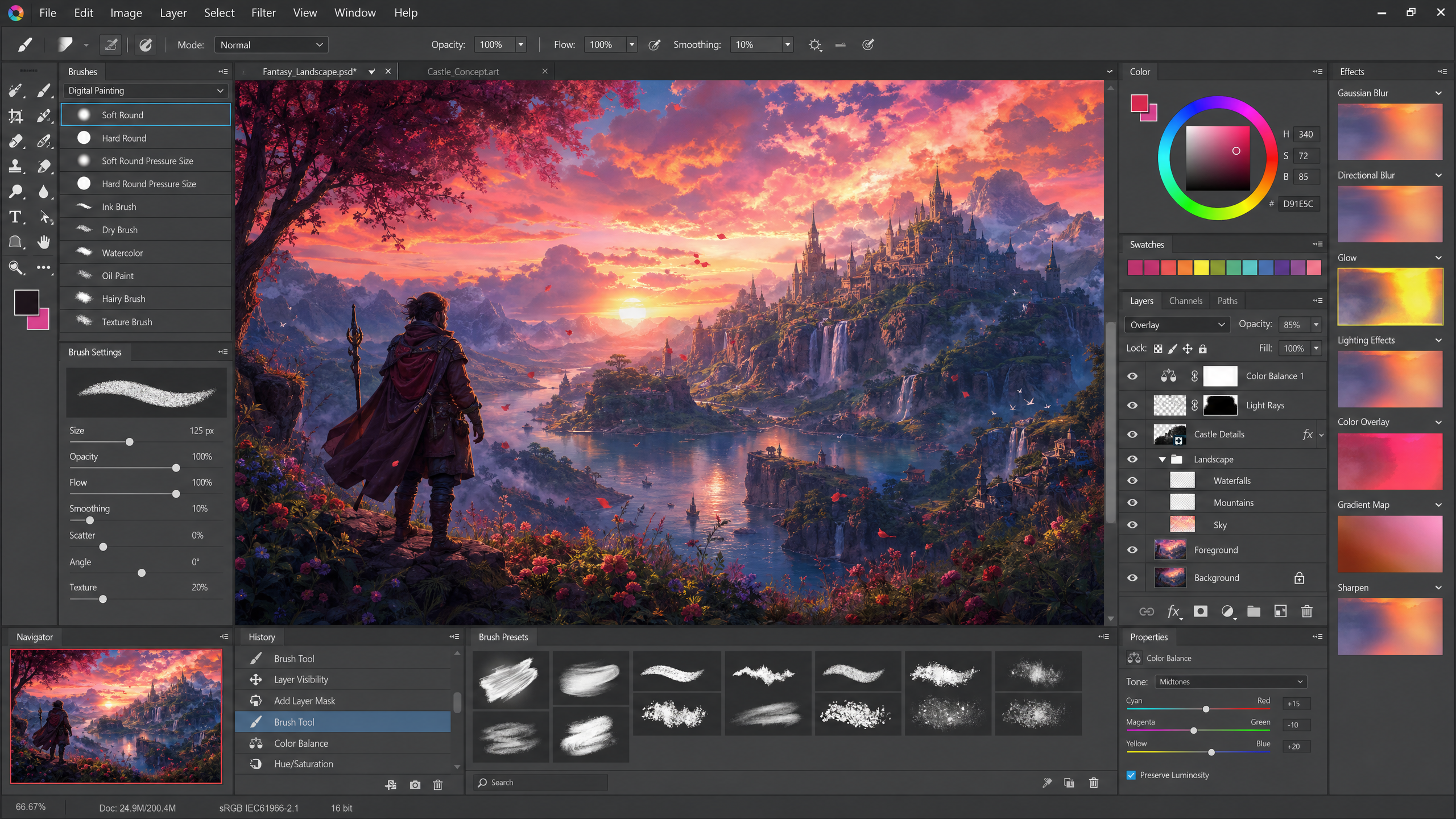
Generate and edit uncensored stills, animate clips, run one-tap Gen AI styles, and save your setups as presets you can publish to the Community. All in one workspace.

Acheron for images · Styx for video

Models

Two engines. One for stills, one for motion.

Acheron forges the image. Styx brings it to life. Your references, presets, and gallery carry across both.

Image model

Acheron

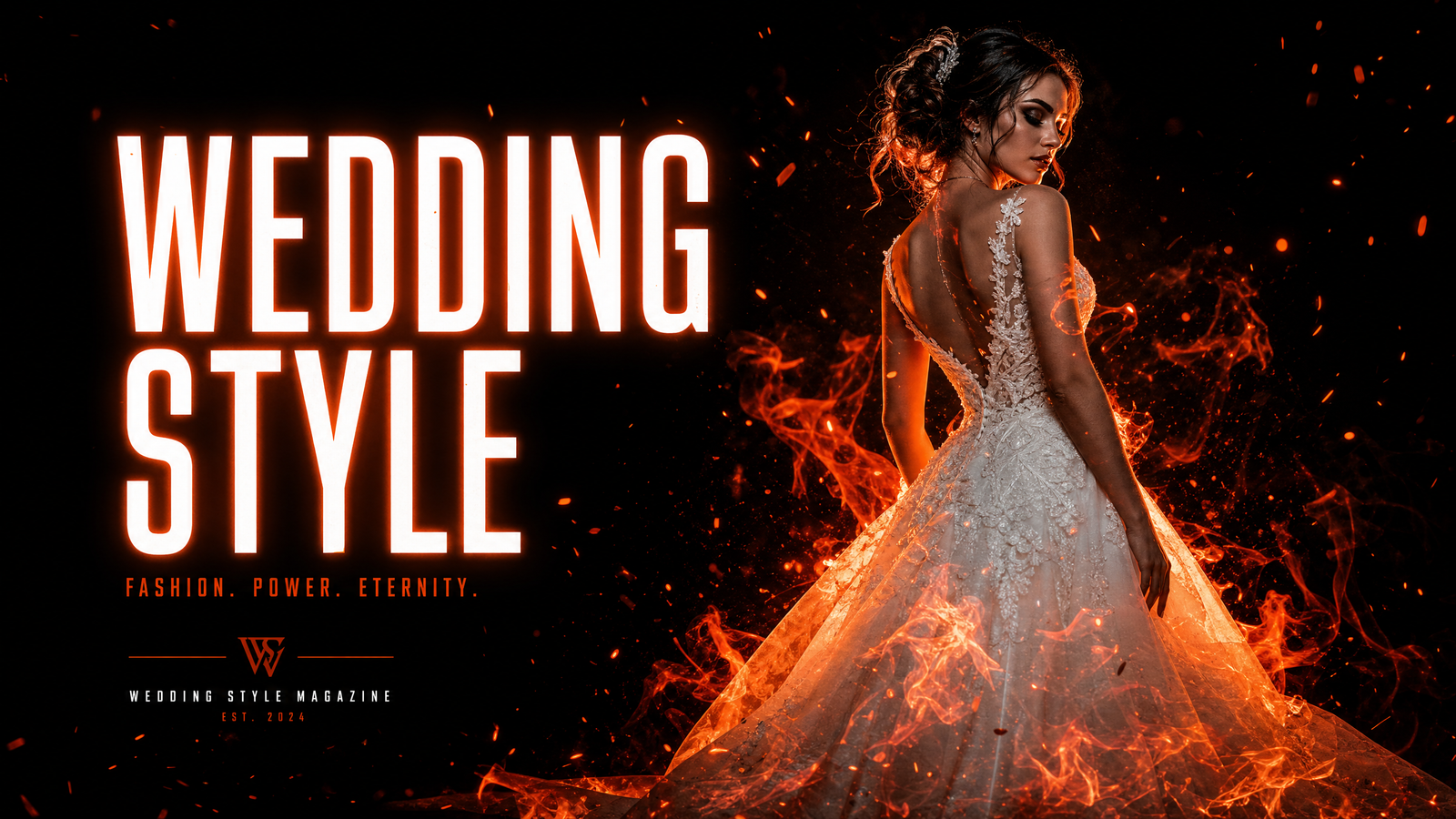
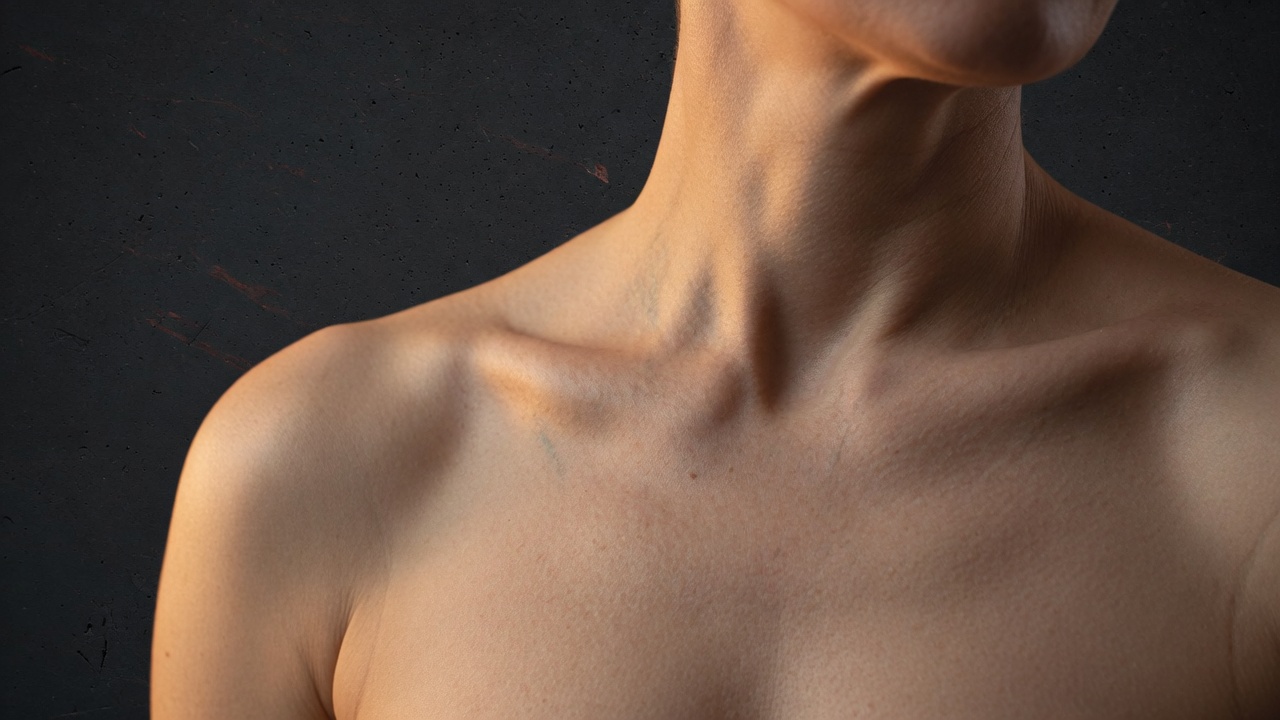
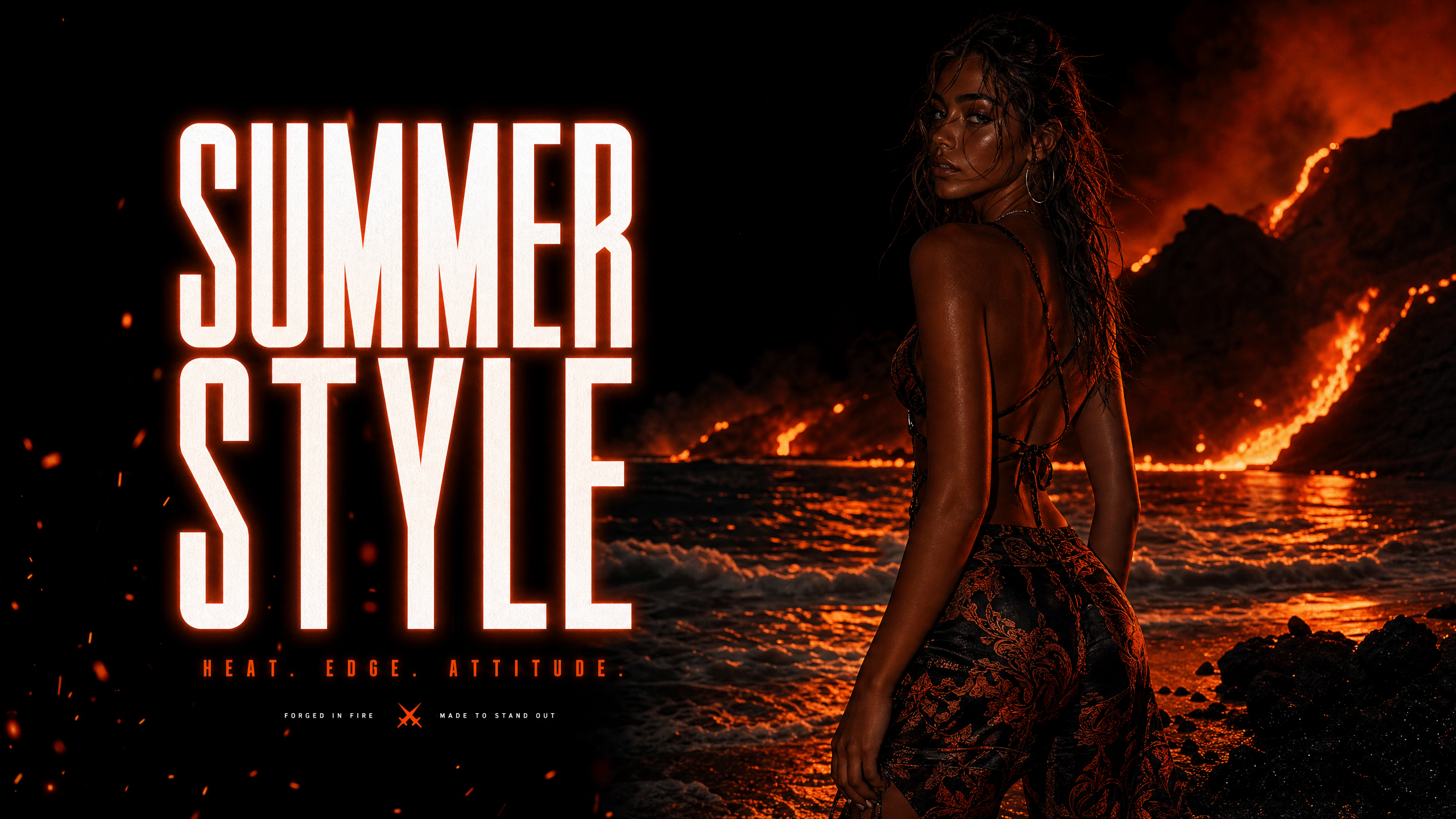
Our flagship image engine and the full Studio pipeline. Acheron renders skin with real pores, light that wraps the body, and fabric that drapes like the real thing. Write a brief from scratch or stack references for identity, wardrobe, product, and lighting, and it keeps the same face and figure locked across an entire set. Uncensored by design, built for photoreal adult work.

Text-to-imageEdit with referencesConsistent characters
Video model

Styx

Phlegethon's own video engine. Hand Styx a still or a prompt and it animates with fluid, natural motion, real weight in every movement, and none of the usual smear or flicker. Faces and bodies stay true from the first frame to the last, so your Acheron characters move like themselves. Uncensored motion, made for adult creators.

Image-to-videoText-to-videoSmooth, stable motion

Workspace

Everything lives inside Studio

Image

Uncensored stills with real skin texture. Generate or edit with Acheron. Studio Image →

Gen AI tools

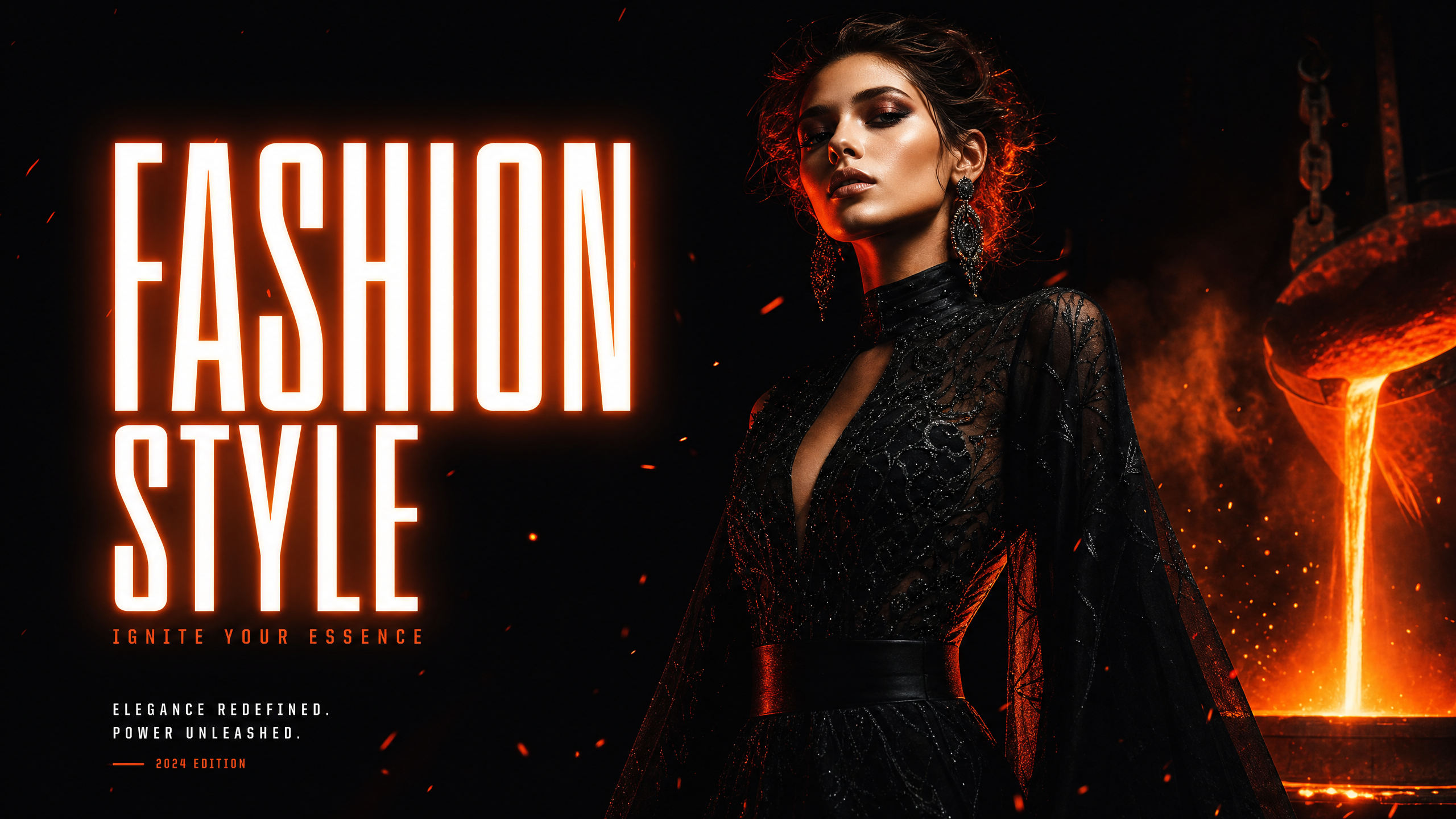
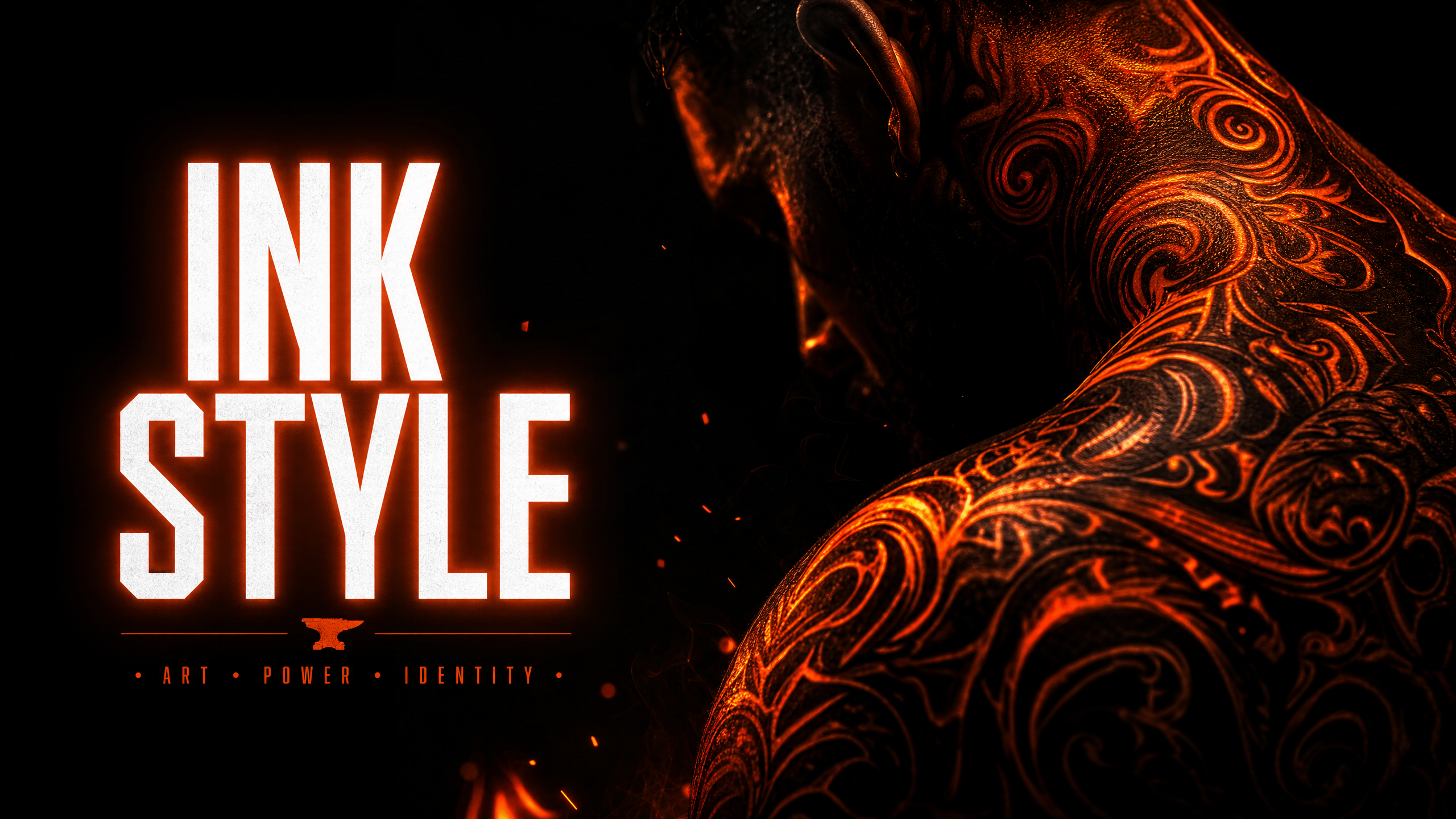
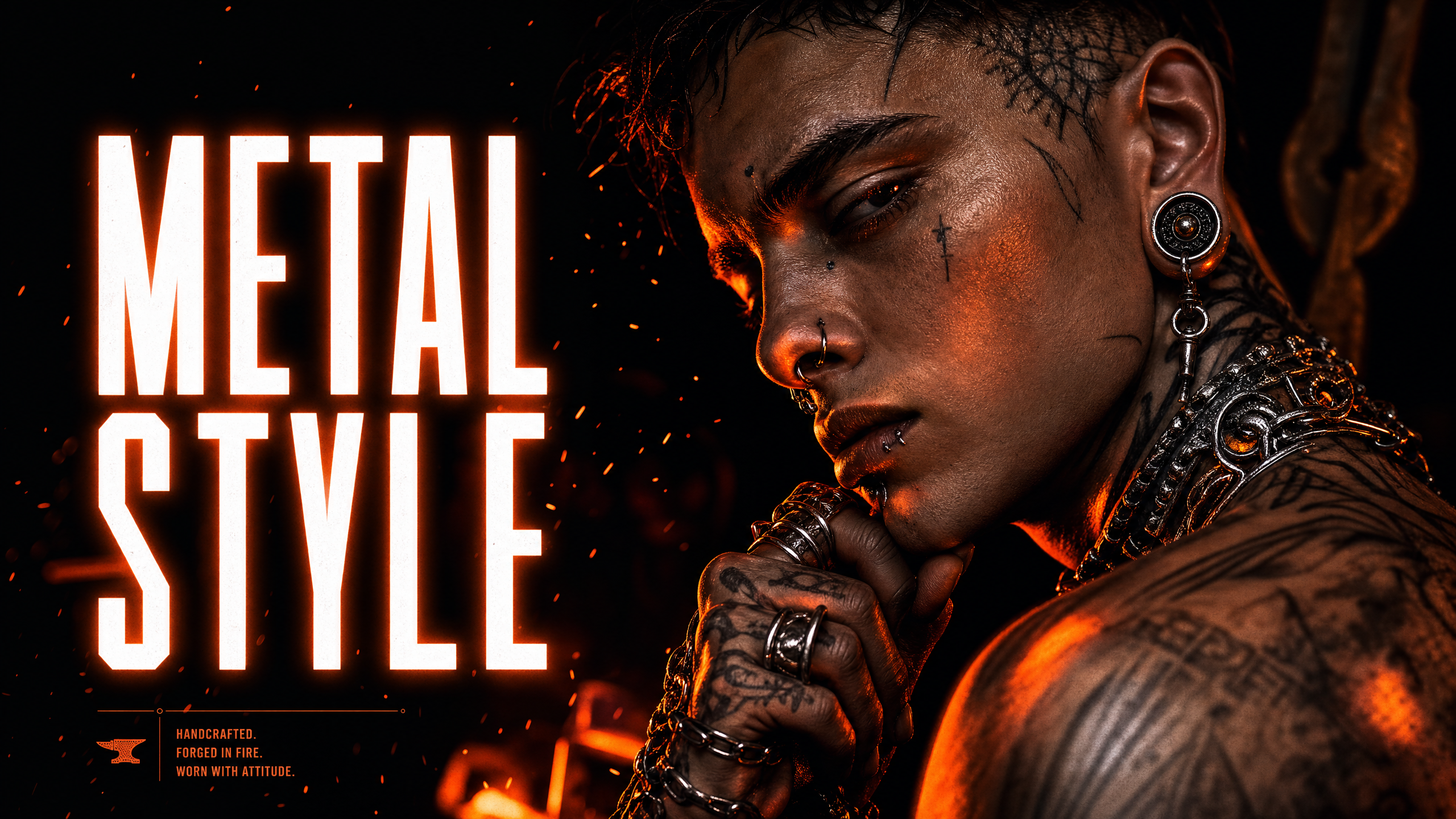
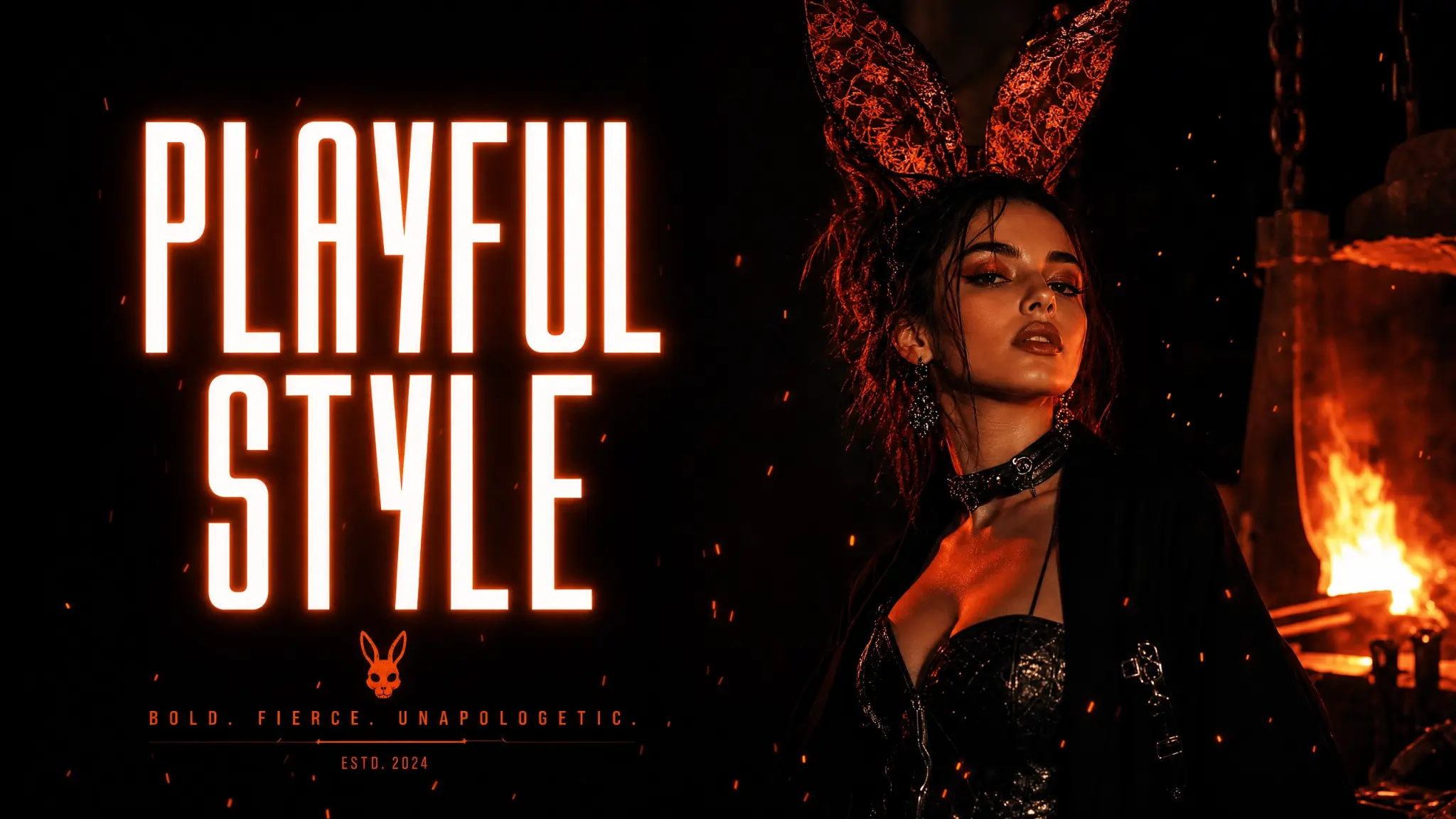
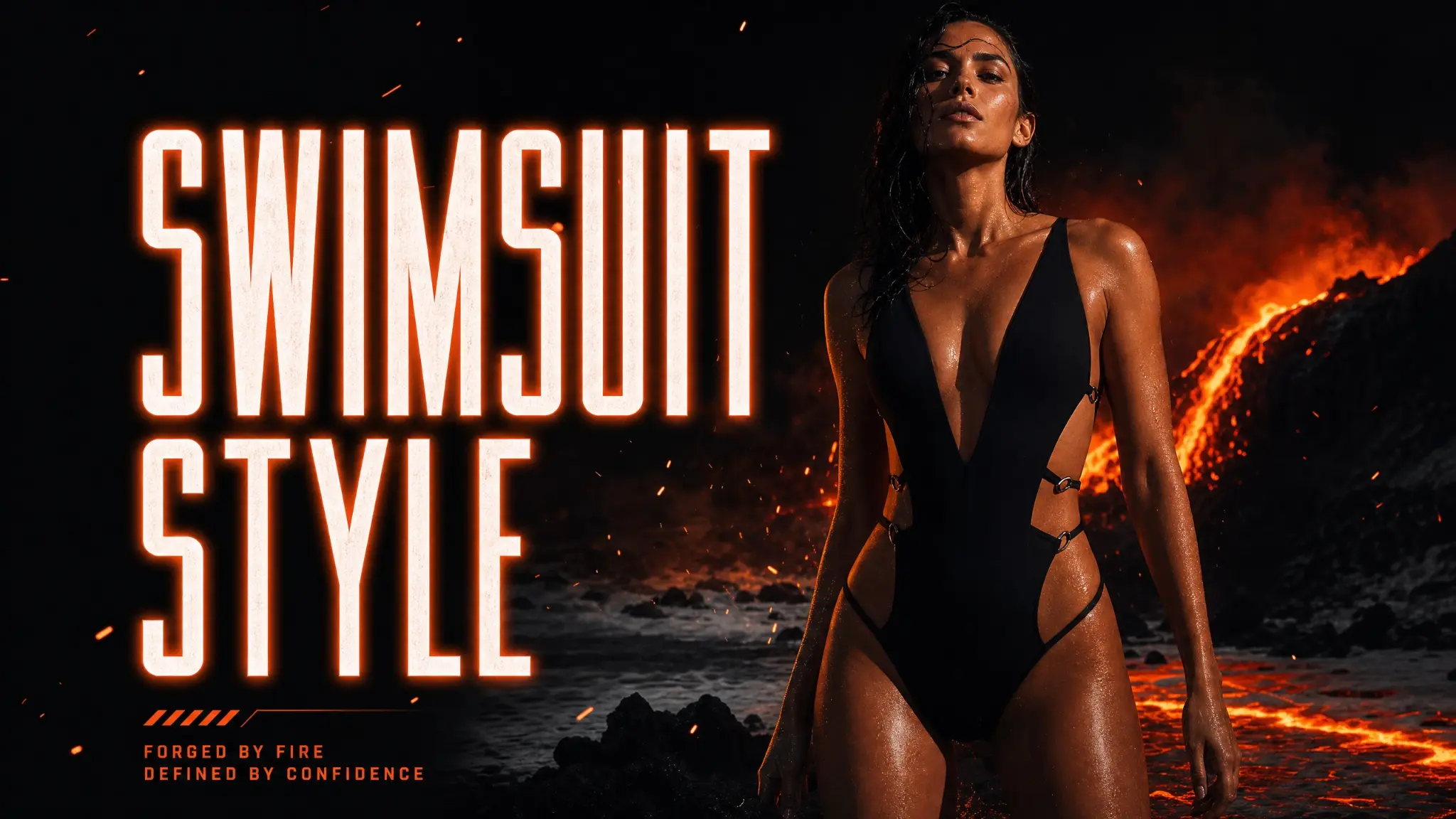
One-tap styles like bikini, lingerie, tattoo, piercing, and the custom editor now run inside Studio. No separate app, one gallery.

References & packs

Upload stills, assign roles, and save reusable packs so identity, wardrobe, and lighting stay locked across a set.

Presets & styles

Start from a starter preset, a Community style, or your own saved setup. Every field stays editable.

My Forge

Finished stills and clips land in your gallery. Send any result straight into the Forge when you need it.

Gen AI

Gen AI tools, folded into Studio

The one-tap Gen AI styles you know now open inside Studio (Studio → Gen AI). Pick a style, drop in a photo, and the result lands in My Forge with the rest of your work.

Presets

Styles & presets: save it, reuse it, share it

A preset is a saved Studio setup: the brief, toggles, model, and output settings. Styles are presets published to the Community.

  1. Start from a preset

    Load a starter preset or a Community style. It fills the brief, toggles, and output settings for you.

  2. Tweak the toggles

    Styles ship with quick toggles (outfit, light, camera, pose) so you can remix without rewriting the prompt.

  3. Save your own

    Happy with a setup? Save it as your own preset from Create and reuse it any time.

  4. Publish to Community

    Share your preset as a public style. Others can like it, comment, and use it in one tap. Publishing your first style also completes a mission.

Questions

Which model should I use?

Acheron for every still: full generations, multi-reference edits, and consistent sets. Styx when you want that image, or a fresh prompt, to move.

Where did Gen AI go?

Nowhere. The Gen AI styles now live inside Studio, so stills, clips, styles, and presets share one workspace and one gallery.

What is the difference between a preset and a style?

A preset is your saved setup. A style is a preset you publish to the Community so anyone can use it.

Is Studio uncensored?

Yes. Studio is an 18+ workspace and does not filter adult briefs. Use only consenting adult subjects.

Open Studio

Forge stills with Acheron, animate them with Styx, and create.

Start free

Free credits on signup. No credit card required. 18+ only.