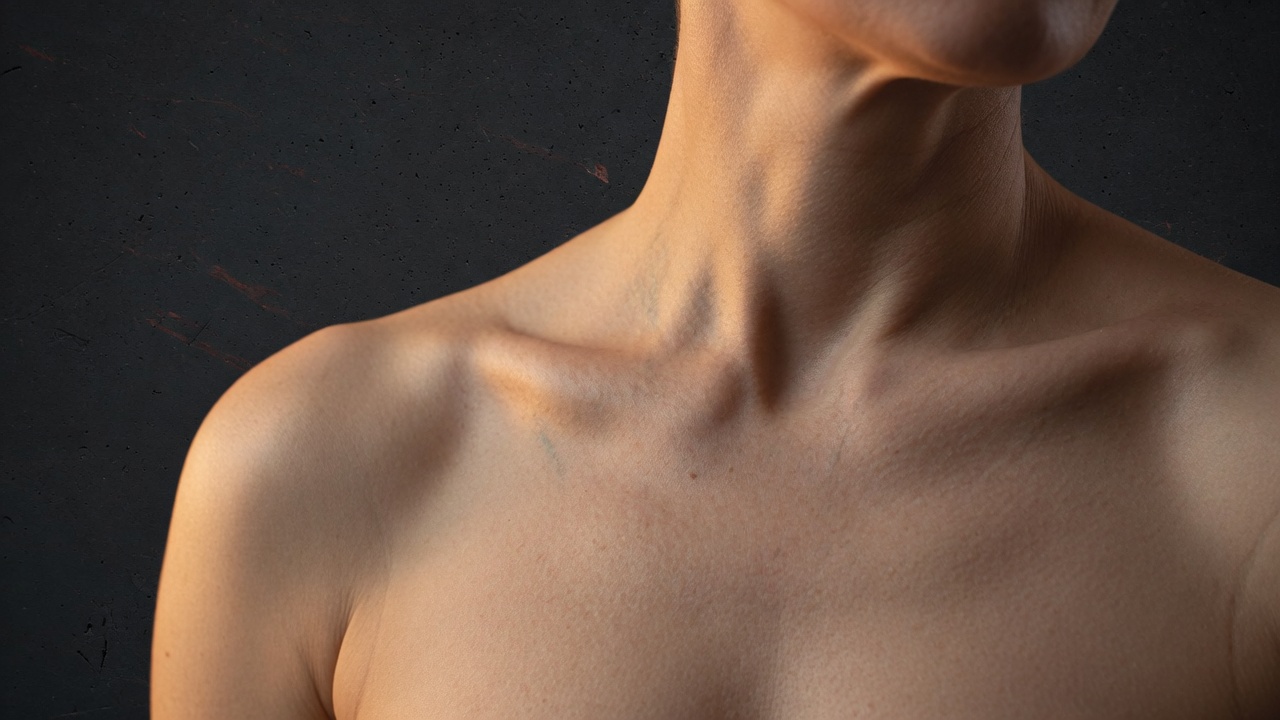
Completely uncensored
Studio does not refuse adult briefs. Nudity, sex, fetish, and explicit anatomy generate the same way a commercial portrait does. We do not moderate your prompt.
Studio Image
No filters. Fine pores, body hair, and adult anatomy stay in the picture. Pair with Studio Video when the brief needs motion.
Phlegethon Studio · 3 credits per still
Studio does not refuse adult briefs. Nudity, sex, fetish, and explicit anatomy generate the same way a commercial portrait does. We do not moderate your prompt.
The renderer is tuned for pores, peach fuzz, veins, stretch marks, and un-airbrushed skin. Beauty-filter smoothness is the failure mode, not the default.
When the brief is nude, genitalia, nipples, and natural pubic hair stay in frame. The body is treated as a photographic subject, not a censored silhouette.
Write the full brief, or start from a preset and rewrite it. References keep identity, wardrobe, product, and lighting stable while the rest of the scene moves.
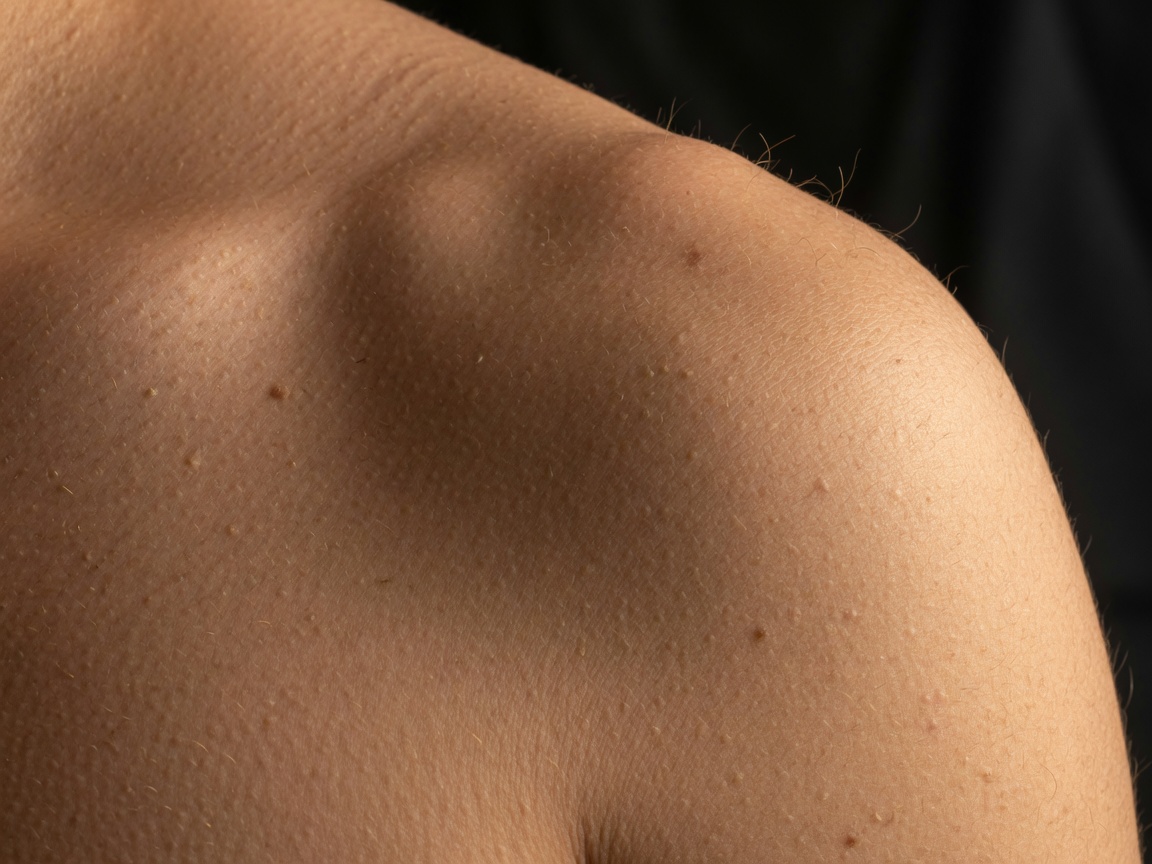
Most public generators smear genitalia into a blur, flatten nipples, or replace skin with wax. Studio is built for the opposite: adult bodies that survive a tight crop.
Ask for a frontal nude, an open pose, a lingerie reveal, or a clothed editorial. The same engine keeps fine skin details, body hair, and proportional anatomy instead of swapping in a generic doll.
Edit mode uses a selected reference as the base frame. Describe only what should change, then say what must stay. That is how you keep a face, a scar, or a specific body while rewriting wardrobe or light.
Generate starts from text. Edit needs a selected reference and rewrites that frame instead of inventing a new person.
Square, portrait, landscape, vertical, and 2K sizes. Draft is faster. Production does more prompt work. PNG is available on Inferno.
Attach identity, wardrobe, product, prop, style, scene, or lighting roles. Your plan sets how many references ride on one job.
Starter presets fill the brief and output settings. Adult presets require an 18+ confirmation. Save your own setup from Create.
Start from a blank prompt or a preset. Adult presets ask you to confirm every depicted person is 18+.
Open References, upload stills, and assign roles. Skip this for a pure text still.
Choose size, quality, and format. The credit cost stays at 3 credits per still.
Finished stills land in My Forge. Optional Generate and Forge queues a Light Forge after the image is ready.
Yes. Completely uncensored adult generation is the product. Prompts for nudity, genitalia, and explicit scenes are not filtered. You are responsible for using only consenting adult subjects.
The still engine is tuned for fine skin texture and adult body realism, including genitalia and natural body hair. Tight crops should still read as photography, not as a retouched composite.
Yes. Upload references, assign identity or wardrobe roles, and reuse a pack. Edit mode is the right path when you already have a frame you want to change.
No. Presets are a starting brief. You can rewrite every field before you submit, or save your own preset from the current setup.
Generate or edit first, then forge. Running bypass before a Studio pass can break the injections.
Open Studio, keep the brief specific, and lock references when identity matters.
Open Studio18+ workspace. Credits never expire after purchase.